

AI Image Prompt Gallery
Discover proven prompts, study their visual results, and create your own AI images.
What is IOimg?
IOimg is an AI image prompt gallery and image generation tool. Browse example images and prompts for GPT Image and Nano Banana, open a prompt to inspect its details, and adapt it for your own image. The gallery is publicly accessible; generating images requires an account and credits.
How to use an image prompt
- Browse the gallery or filter by model and category to find a visual direction.
- Open a prompt, review the example image and prompt text, then copy or use the prompt.
- Adjust the subject, composition and style. Check the model settings and credit cost before generating.
Questions about IOimg
- Is the prompt gallery free to browse?
- Yes. You can browse public examples and read their prompt details without signing in. Image generation requires an account and uses credits; check the displayed cost before submitting a generation.
- Will a prompt reproduce the exact example image?
- No. Results vary with the model, settings and reference images. Use the example as a visual reference, then adjust the prompt and generation settings for your project.
- Can I use a reference image?
- IOimg supports text-to-image and image-to-image generation. For image-to-image, upload a reference image you have permission to use and describe the changes you want. Available options depend on the selected model.
- Where can I check a prompt’s source?
- Open the prompt detail page to review its creator attribution and source link when available. A public example does not grant rights to third-party images, logos or likenesses; check the source and applicable terms before reuse.
UI & Graphic - AI Image Prompt Gallery
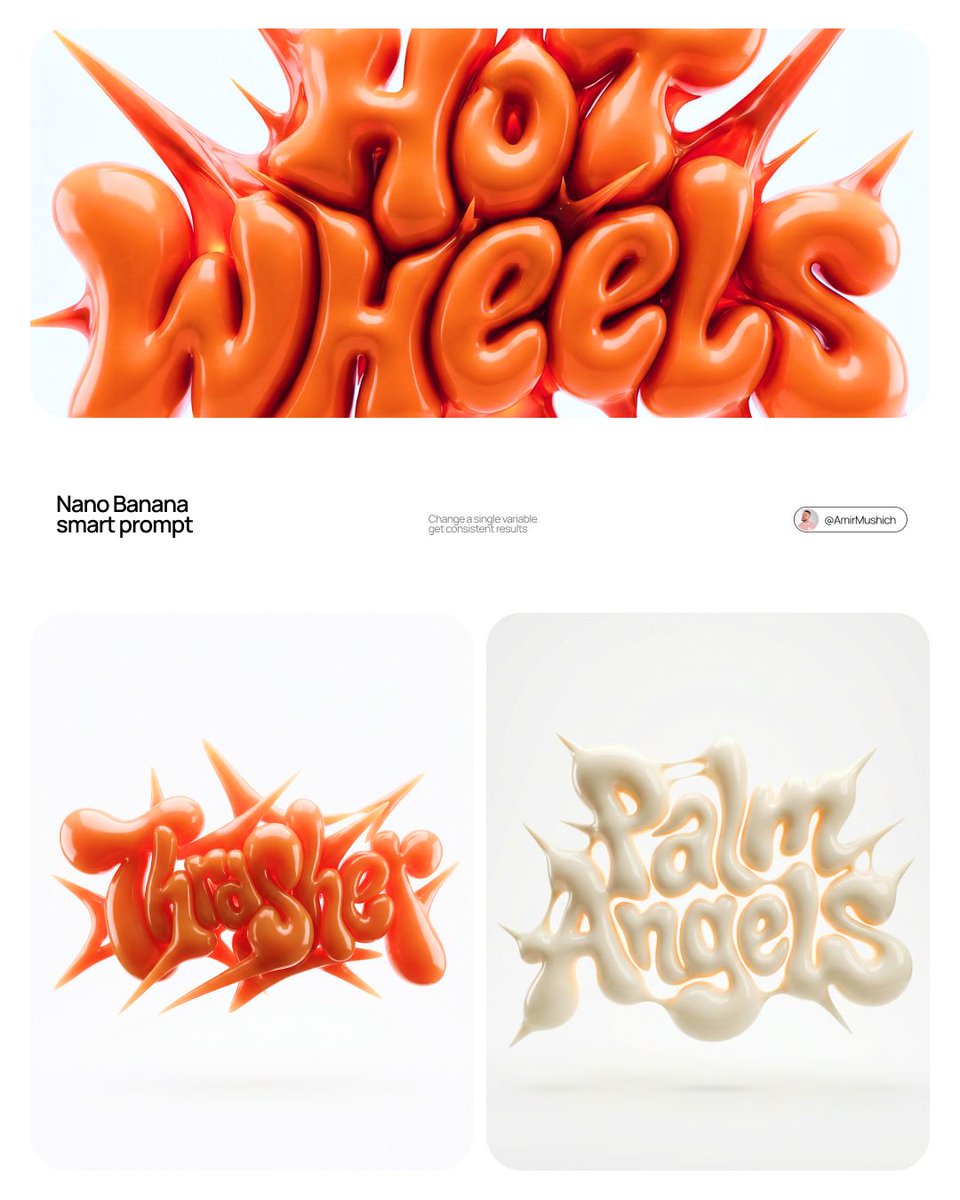
AmirMušić
@AmirMushich
2.6K133K1
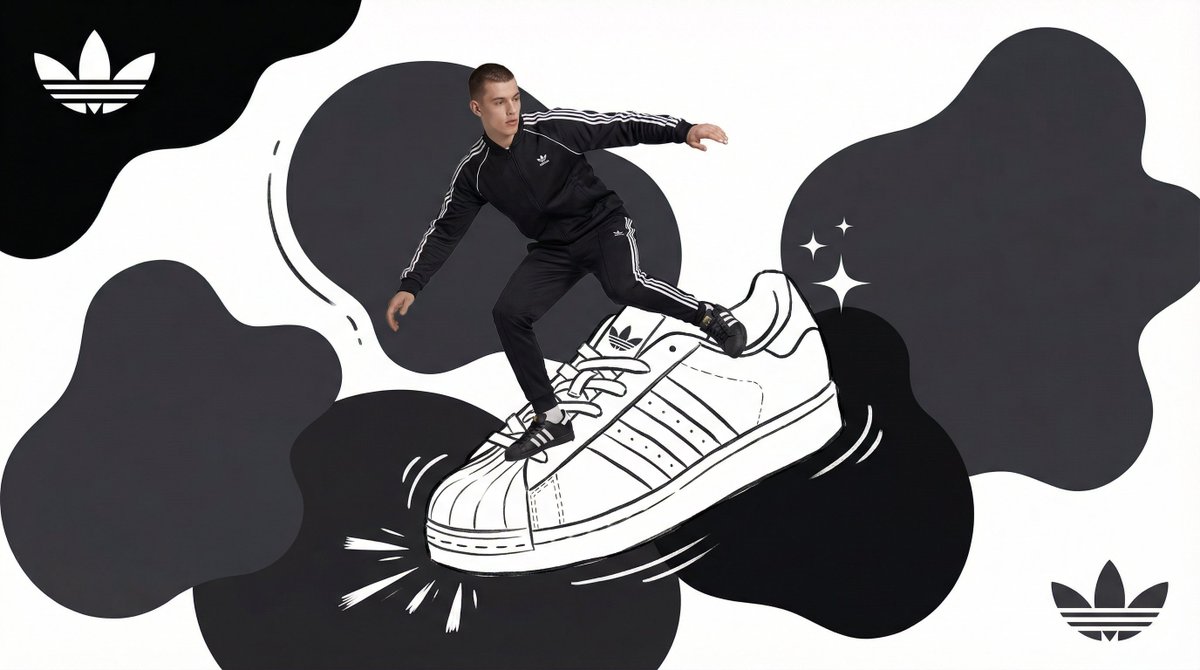
AI Pulse
@youraipulse
29120.1K4
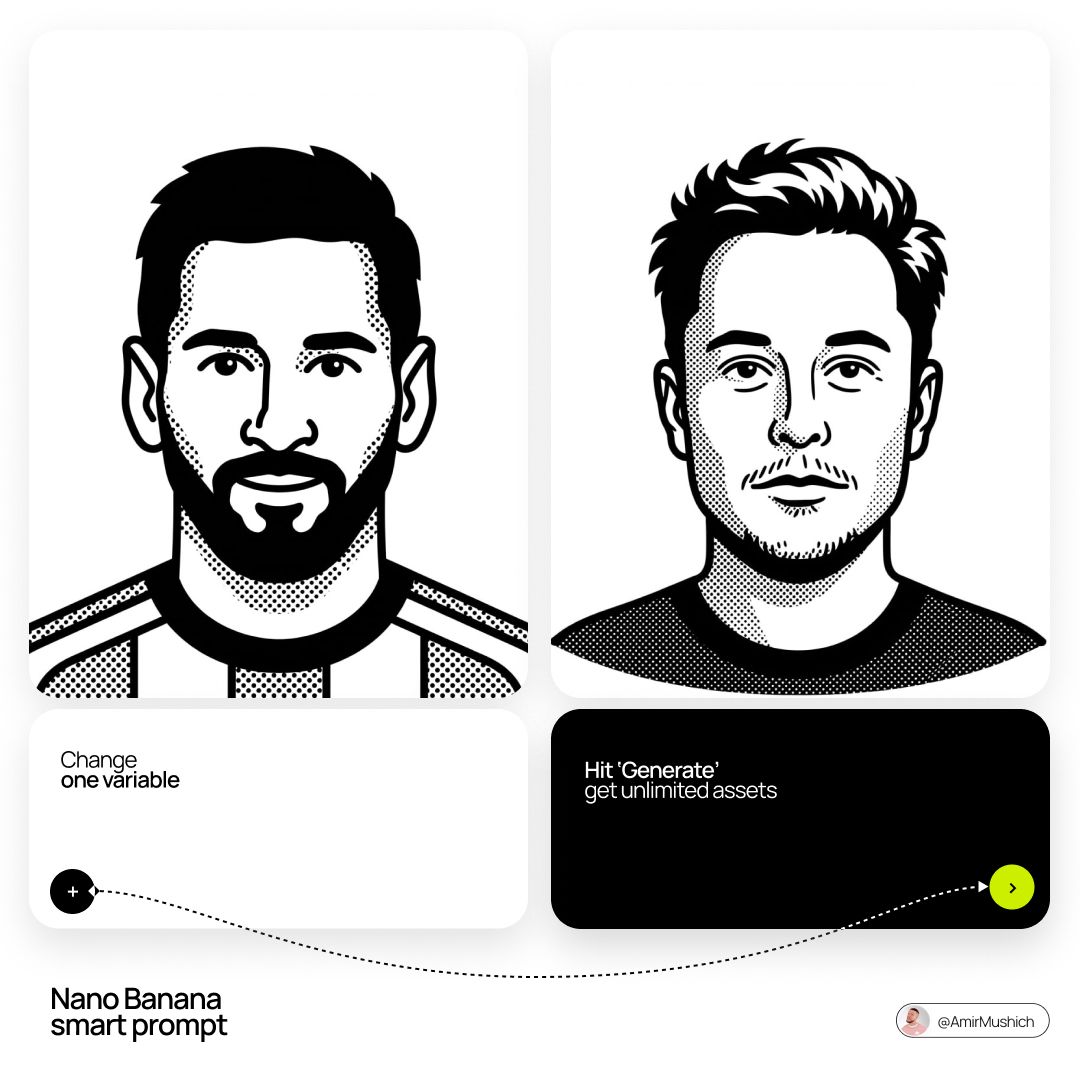
AmirMušić
@AmirMushich
61545.5K1
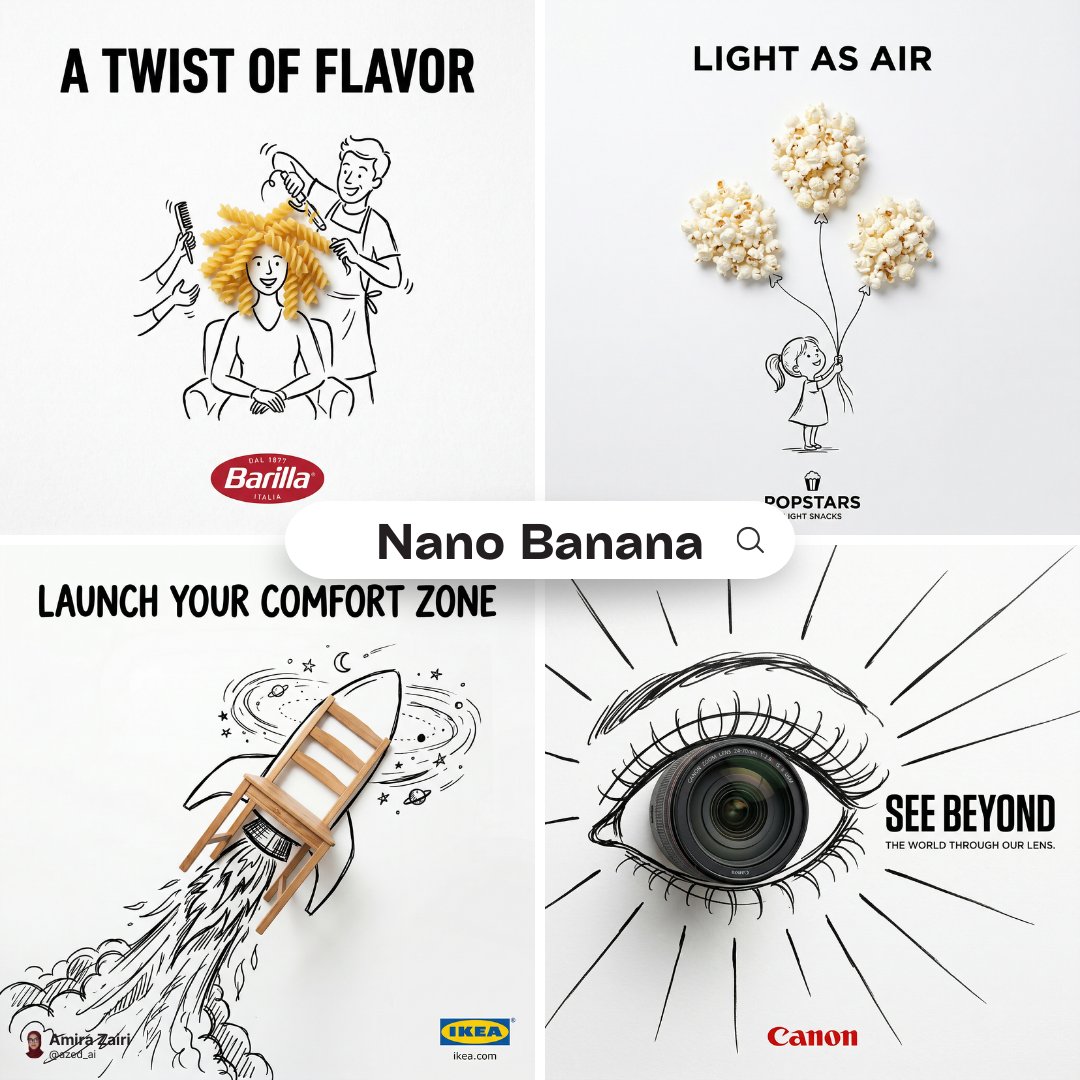
Amira Zairi
@azed_ai
29323.4K1
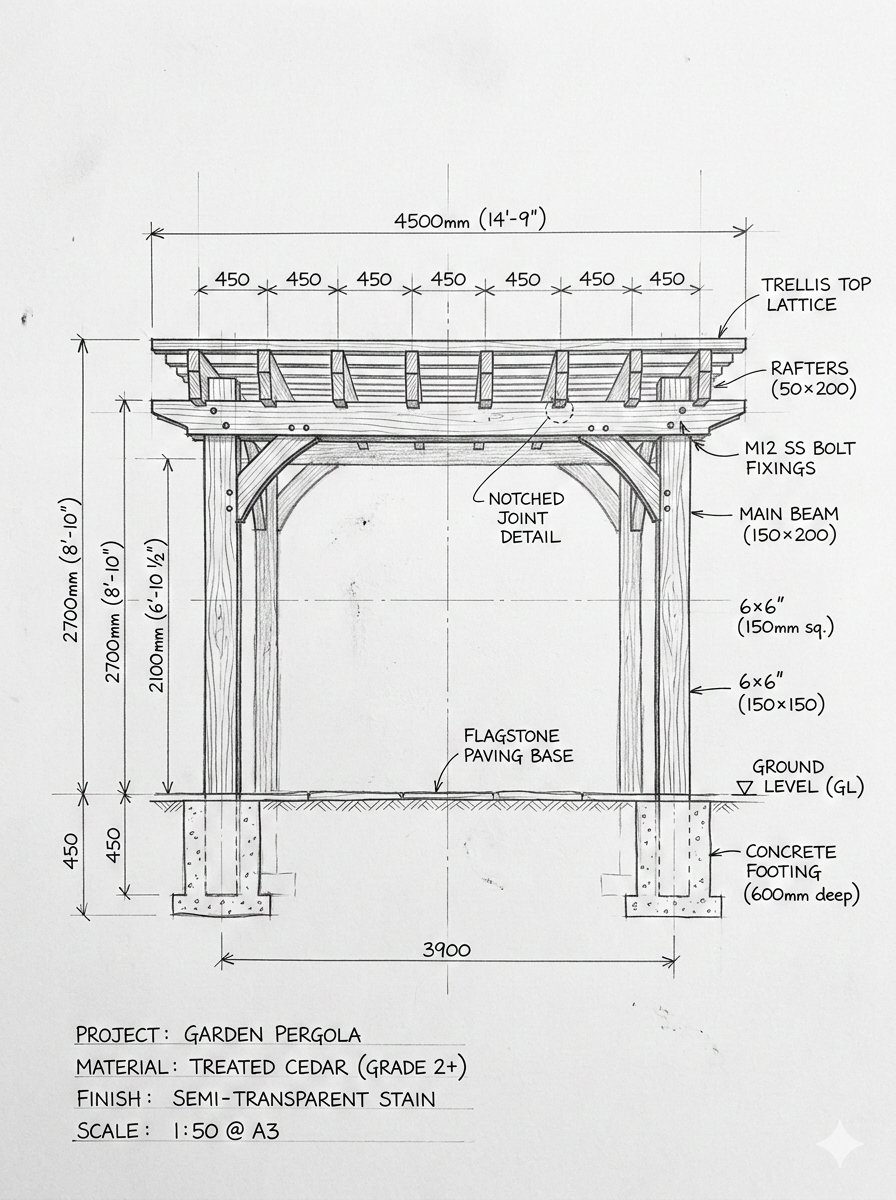
𝐌
@Strength04_X
1062.9K2

Cherry 2.O
@Mind_Boticni
358801
みどり🐲Midori Tatsuta
@midori_tatsuta
29615.4K2
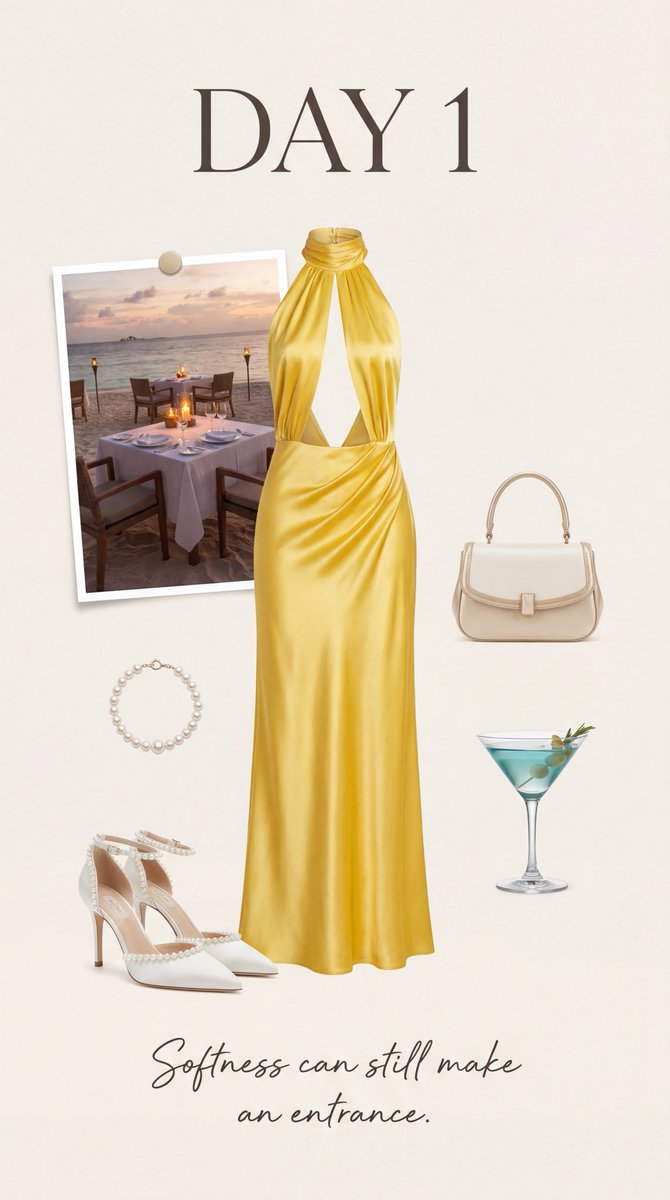
Özge Döner
@astronomerozge1
11410.1K2
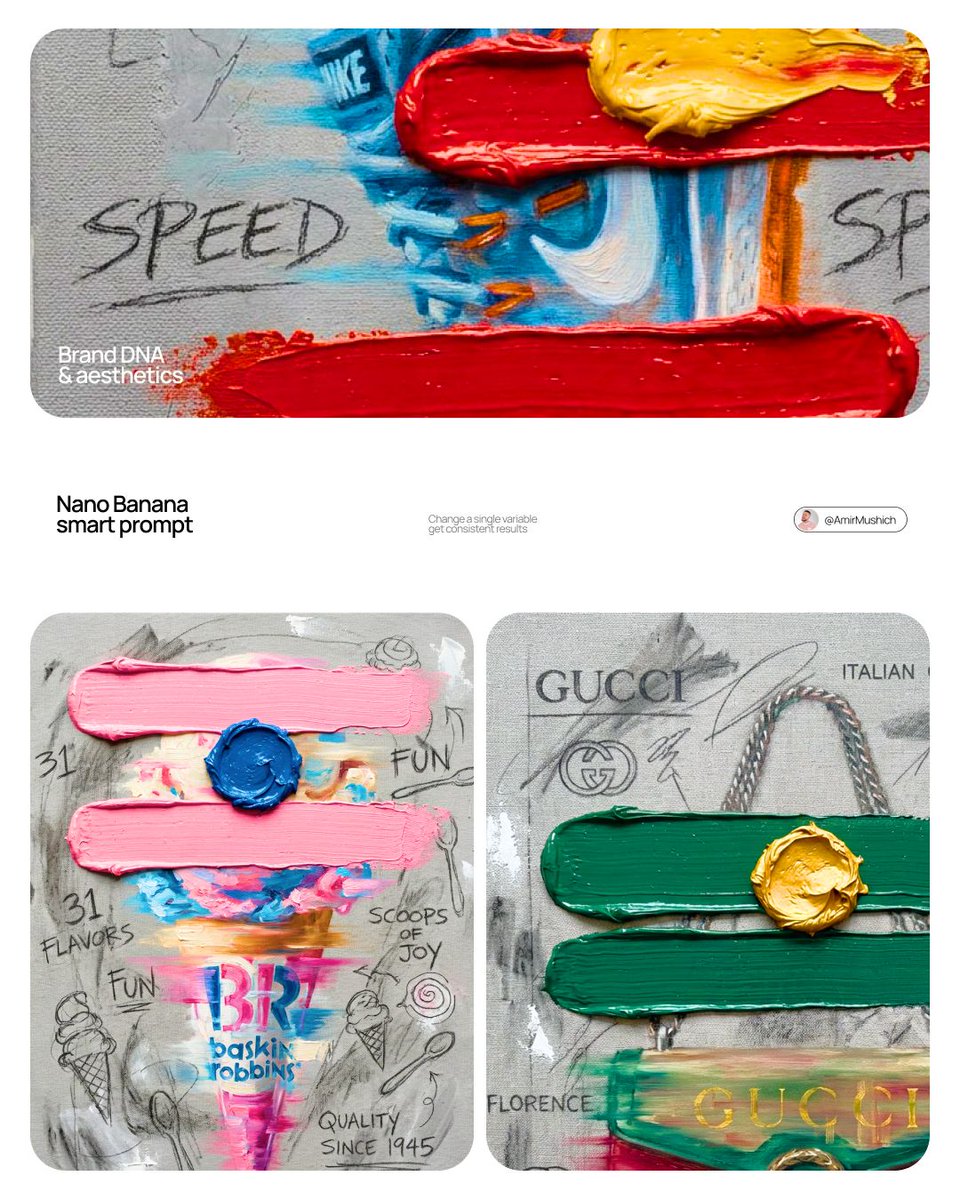
AmirMušić
@AmirMushich
48226.4K1
Keskin
@craftian_keskin
80171.4K2
Tips Excel
@gudanglifehack
26519.8K4
Amira Zairi
@azed_ai
31623.4K1
AmirMušić
@AmirMushich
21919.9K1
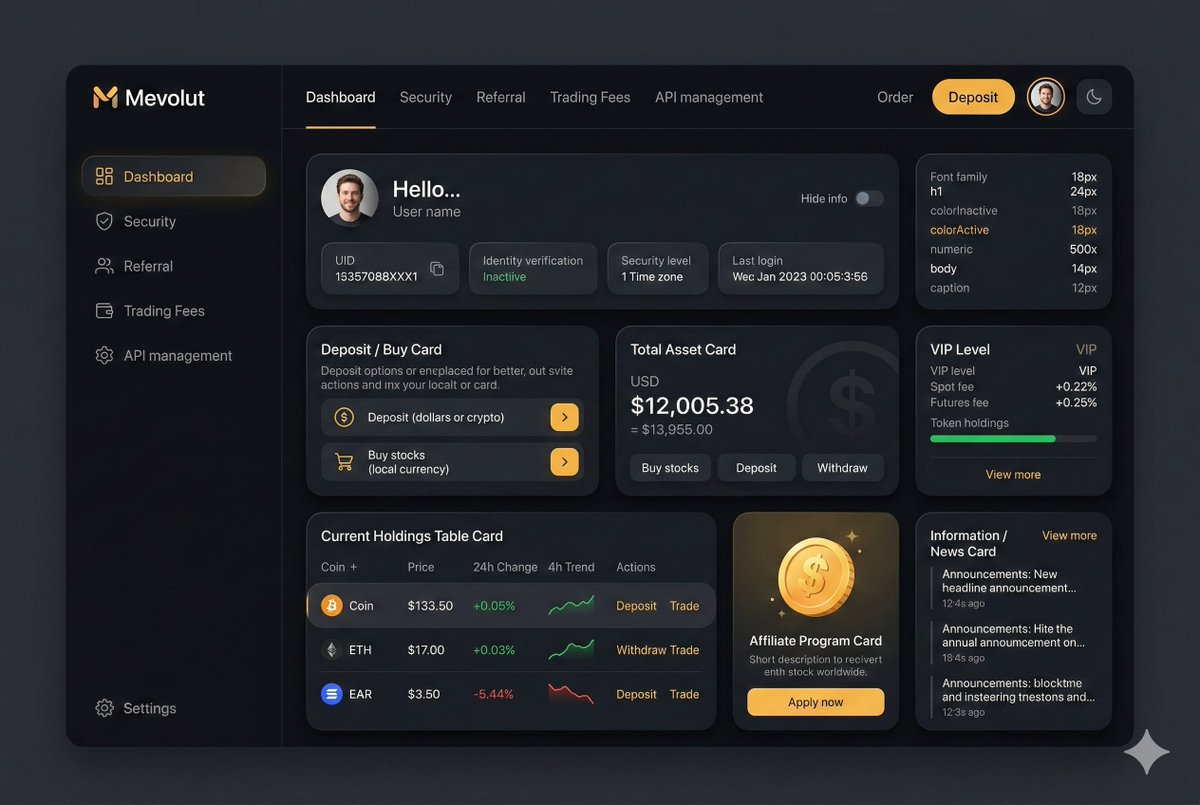
Dan ⚡️
@d4m1n
995139.9K1
Aleena Amir
@aleenaamiir
2728.3K4
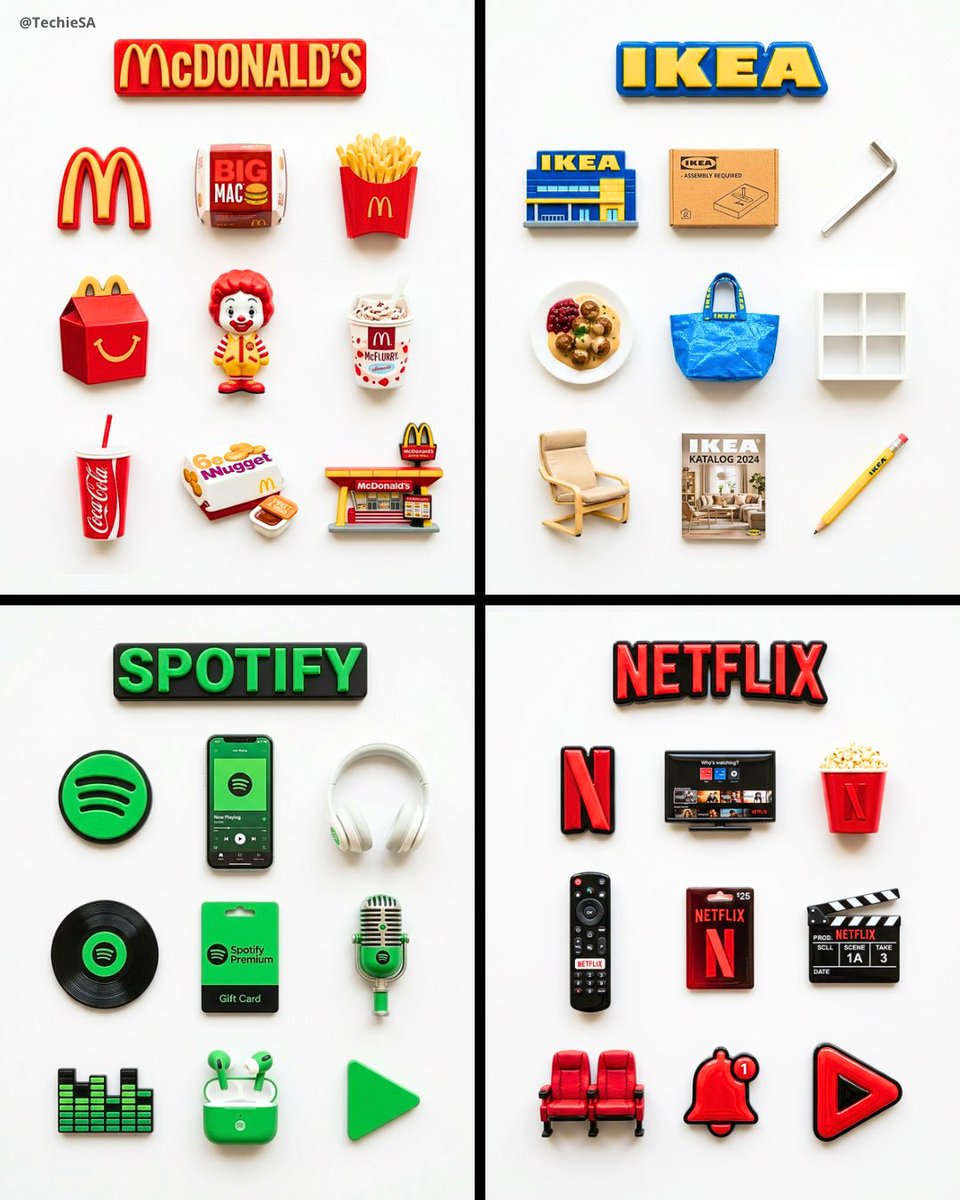
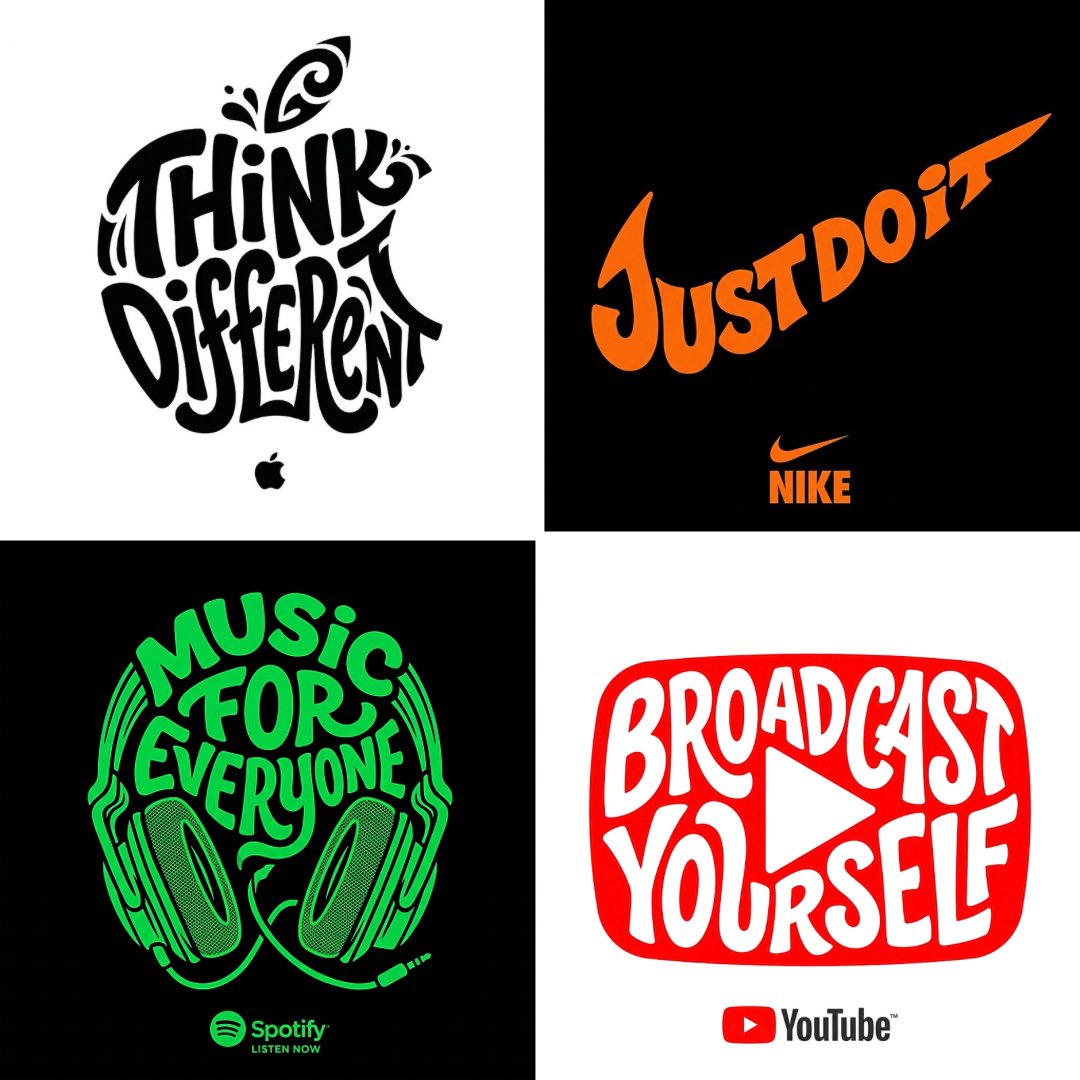
Scroll for more